

Clipwing on X today:
What shipped
New pages, free tools and changes on clipwing.pro, posted as they go live.
Sunday, September 20
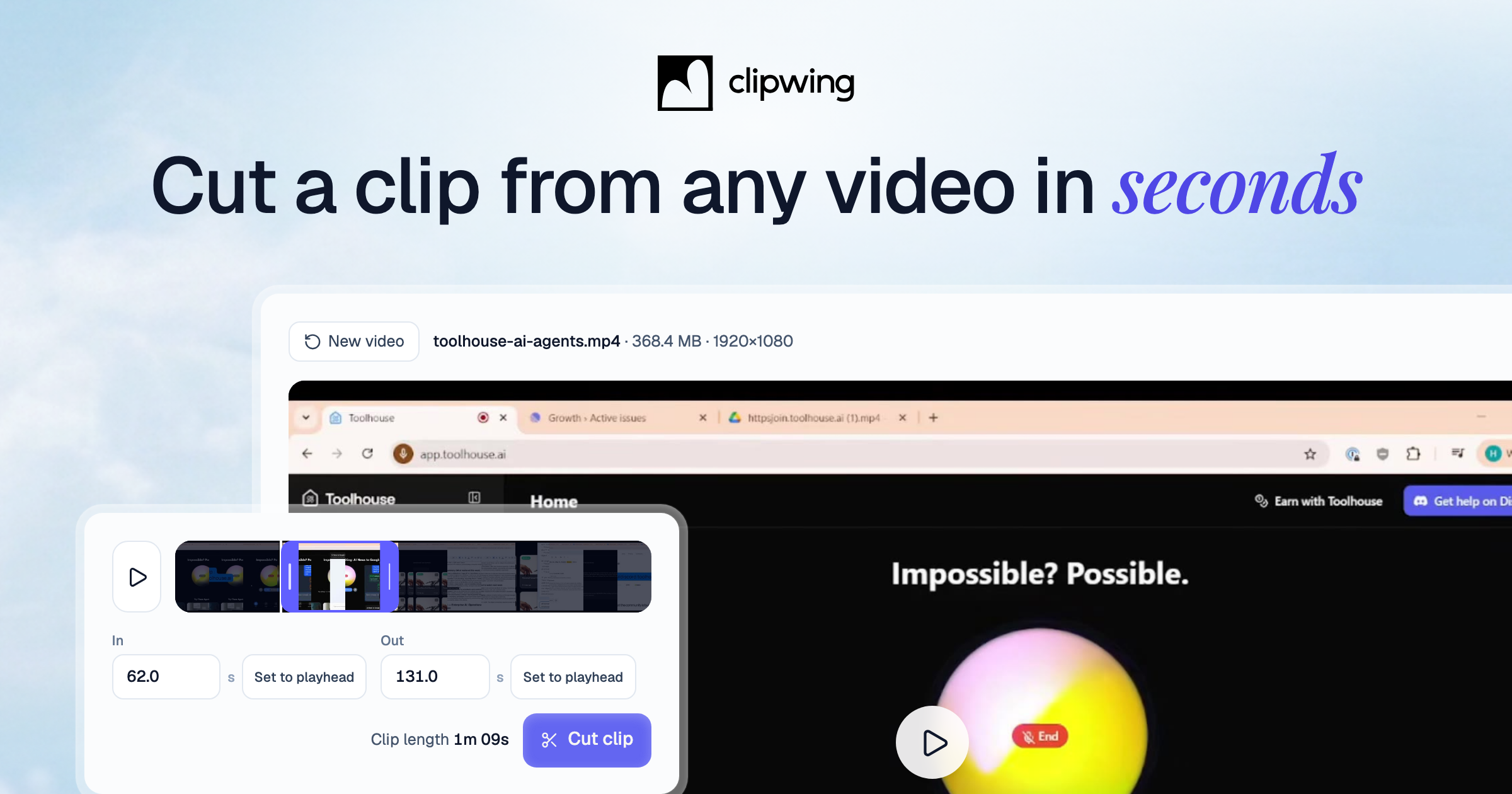
Clip cutter is live → clipwing.pro/clip-cutter
A free tool that cuts a clip out of any video right in your browser. Nothing gets uploaded, so the video opens right away.
- Drop in an MP4, MOV, WebM or MKV, up to 2 GB
- Drag the two handles, or press I and O while the video plays
- Download the clip as an MP4 a few seconds later, no watermark, no account
Cut as many clips as you like. When you want someone to pick the moments and edit them for you, Autopilot is at the bottom of the page.
The Autopilot homepage is live → clipwing.pro
The site now opens on Clipwing Autopilot: you send a video link, a real editor turns it into clips in 3 days.
- Paste a YouTube link and it lands on your board as a task
- A hand-picked editor cuts the clips and sends drafts within 3 days
- Review, comment and approve in the app, then publish to YouTube or TikTok from it
- Autopilot is $499.99/month; Studio adds full-length episodes and thumbnails
There is a clickable demo of the app in the hero, 3 real clips cut from one video, and the pricing and FAQ right on the page.

Clipwing vs OpusClip is live → clipwing.pro/clipwing-vs-opusclip
A scorecard that fills in as you scroll: 2 clips cut by a Clipwing editor next to 2 cut by OpusClip, judged row by row.
- 9 checks per clip: hook, standalone clarity, complete thought, value per second, editing, visuals, pacing, human judgement, brand alignment
- Every clip plays in place, so you can check each mark yourself
- A note on each row says what the editor did and where the auto-clipper falls short
Send it to anyone still deciding between a clipper and an editor.